Built for Retail & Enterprise Merchants

Offline Desktop Billing.
Fast, Reliable & Super Simple.

Invoicell powers instant store checkout, GST invoices, stock management, and automatic local data safety on Windows without relying on an internet connection.

Download Windows Software View Pricing Plans
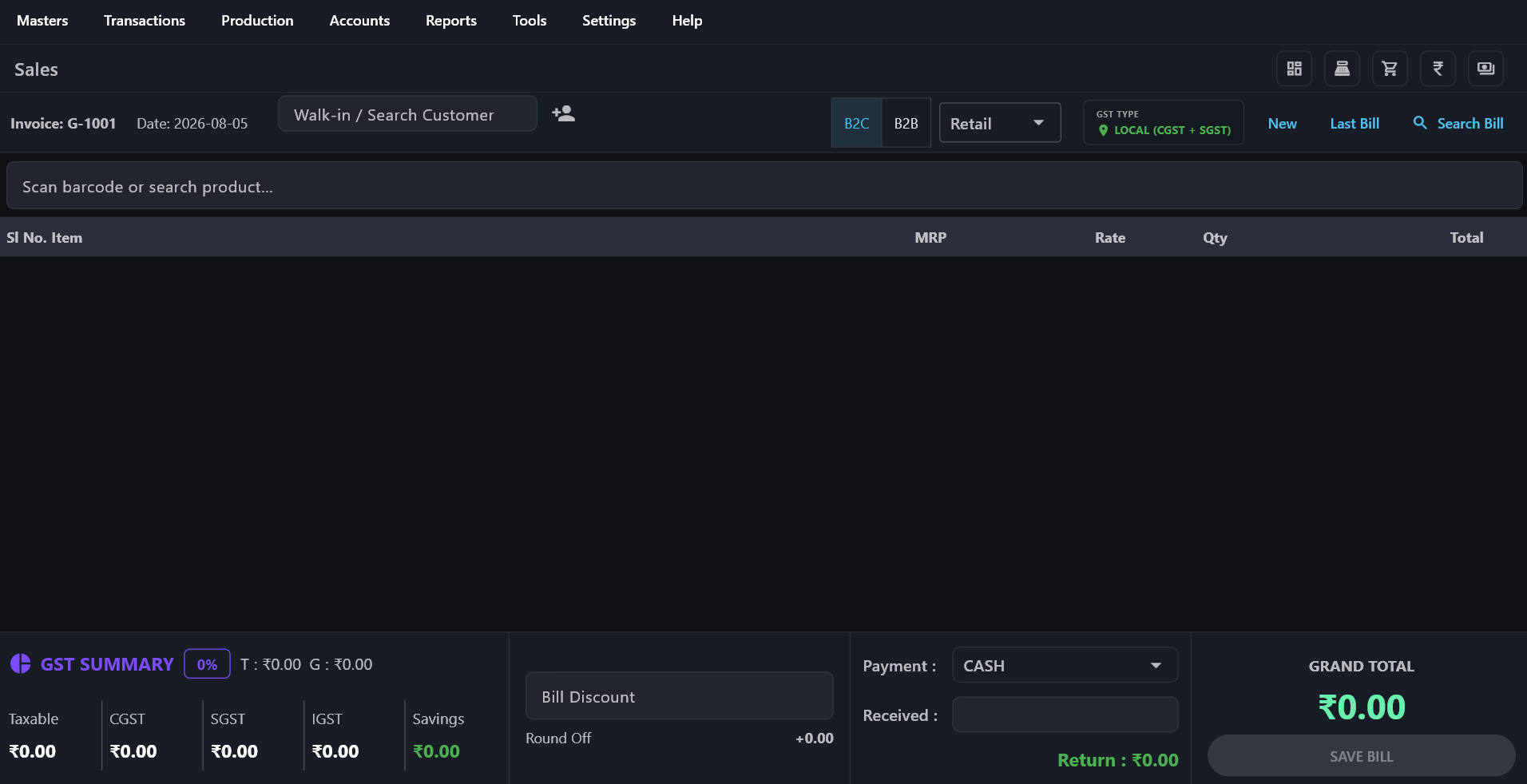
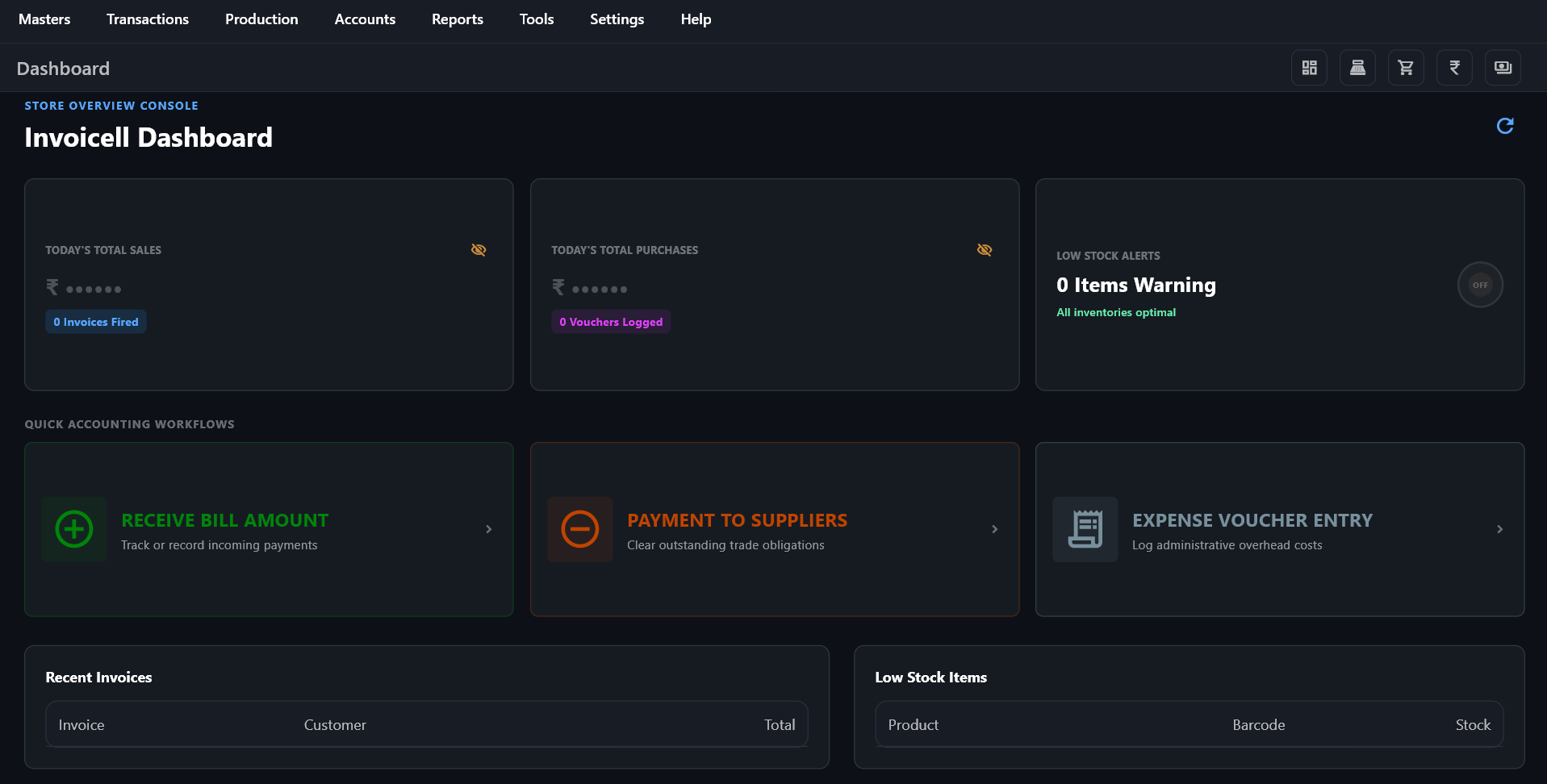
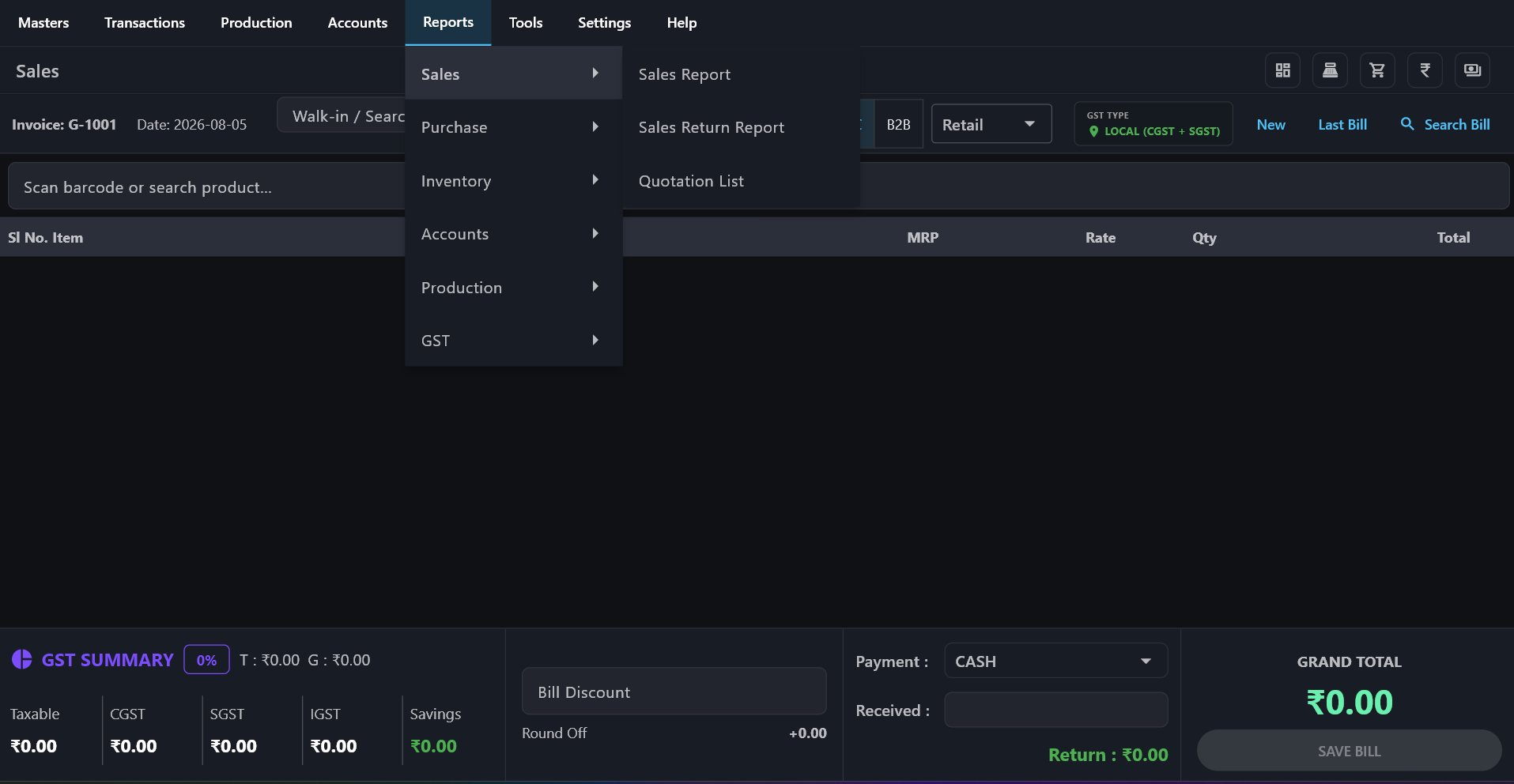
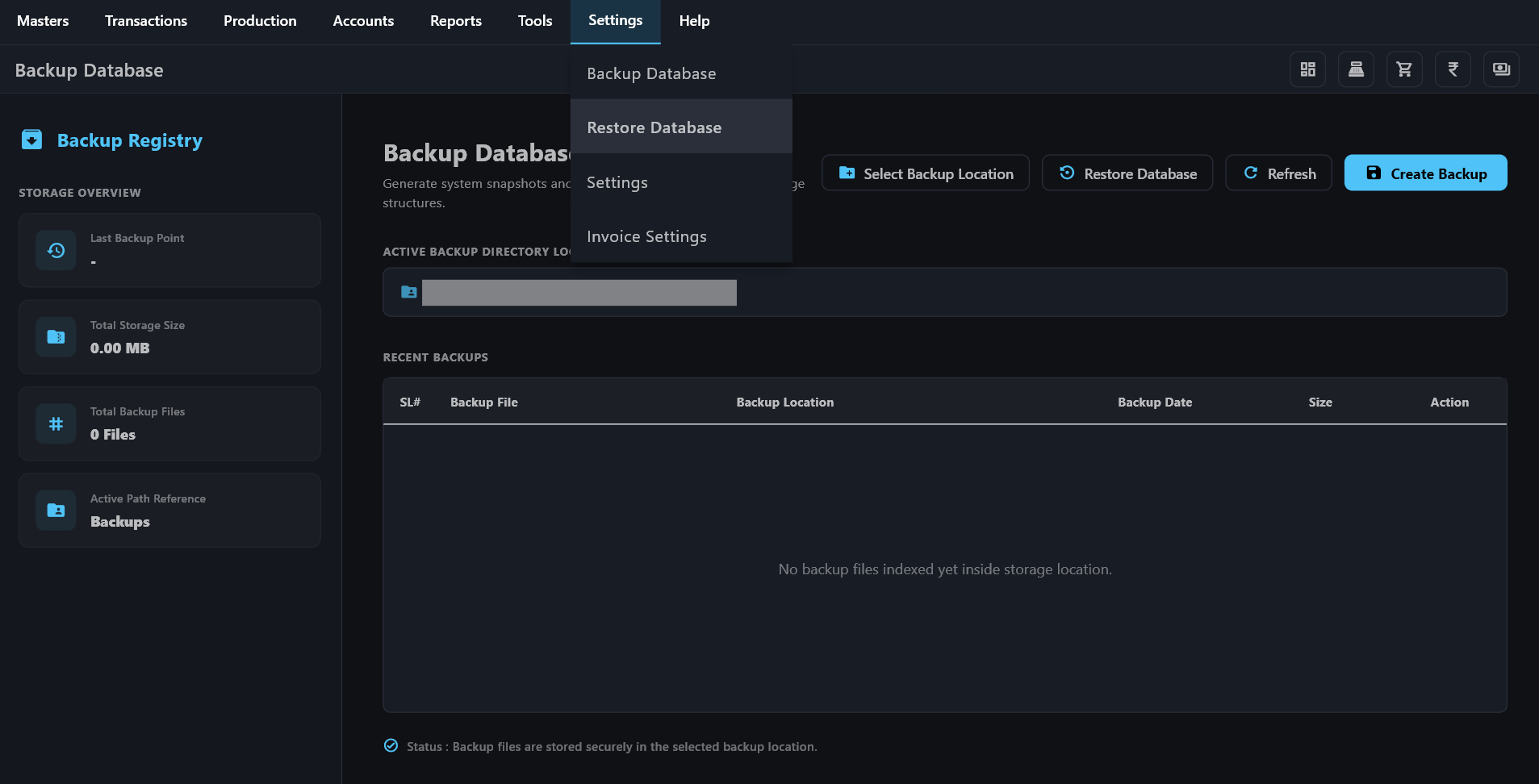
Invoicell Interface

Actual Windows Desktop Application Interface

Latest Release v1.0.0

Download Invoicell for PC

Download the setup ZIP package directly to start setting up your store billing counter on Windows.

Compatibility: Windows 10 & Windows 11 (64-bit)

System Requirements: Standard PC (2 GB RAM, 200 MB Disk Space)

Simple Guidance

What Should You Do Next?

Choose whichever option is most convenient for your store setup.

1

Option A: Download First, Then Ask for Key

Download `Invoicell_Setup.zip` directly, install it on your billing computer, fill in your business details, and then message us on WhatsApp to receive your activation license key.

Direct Download Software Setup →
2

Option B: Contact Us First for Activation

Message our team on WhatsApp or phone first. We will discuss your plan, provide your license key, and send you the direct download link to set up your counter immediately.

Chat on WhatsApp →

Trusted by Local Businesses

Retail Shops
Supermarkets
Restaurants
Medical Stores
Wholesale
Manufacturing
Service Centers

Why Invoicell?

Built specifically for quick counter billing without internet dependence.

Fast Billing

Clear billing lines quickly with easy keyboard shortcuts and instant barcode scanning.

Easy to Learn

Clean design so you and your staff can start making bills in just 5 minutes.

100% Safe Local Data

Your customer accounts and sales records stay safely stored on your own computer.

GST Ready

Automatic GST calculations, tax splits, and instant invoice printing.

Inventory Management

Keep track of your stock levels, low-stock alerts, and purchase records easily.

Professional Reports

View daily collection totals, customer balances, and profit reports anytime.

Complete Billing Modules

Fast Billing

Inventory

Barcode Printing

Customer Accounts

Suppliers

Purchase Entry

Sales Reports

GST Filing

Manufacturing

Restaurant POS

4 Simple Steps to Get Started

1

Install Software

Download and extract Invoicell setup on your computer.

2

Setup Store Details

Enter your store name, phone number, and address.

3

Start Billing

Add products, scan barcodes, and print receipts instantly.

4

Grow Business

Manage stock balances and track your profits.

Why Choose Invoicell?

Works Without Internet

Internet shutdowns or poor Wi-Fi will never stop your billing counter.

Secure PC License

Your activation key is safely bound to your specific billing computer.

Complete Privacy

Your business collection numbers stay private on your own computer.

Frequently Asked Questions

Where is my business data saved?

All your bills, product stocks, and customer accounts are saved directly on your own computer drive. Your data never leaves your store.

What if Windows shows a blue setup warning screen?

Click More Info and then click Run Anyway to complete installation smoothly.

Will updating the software delete my saved bills?

No. Updating Invoicell refreshes the program files while keeping all your stored sales history completely safe.

Ready to Setup Invoicell for Your Store?

Download the software setup or contact us to purchase your activation license key.